Tables to Word6 min read
How to Convert a Picture of a Table into an Editable Word Table
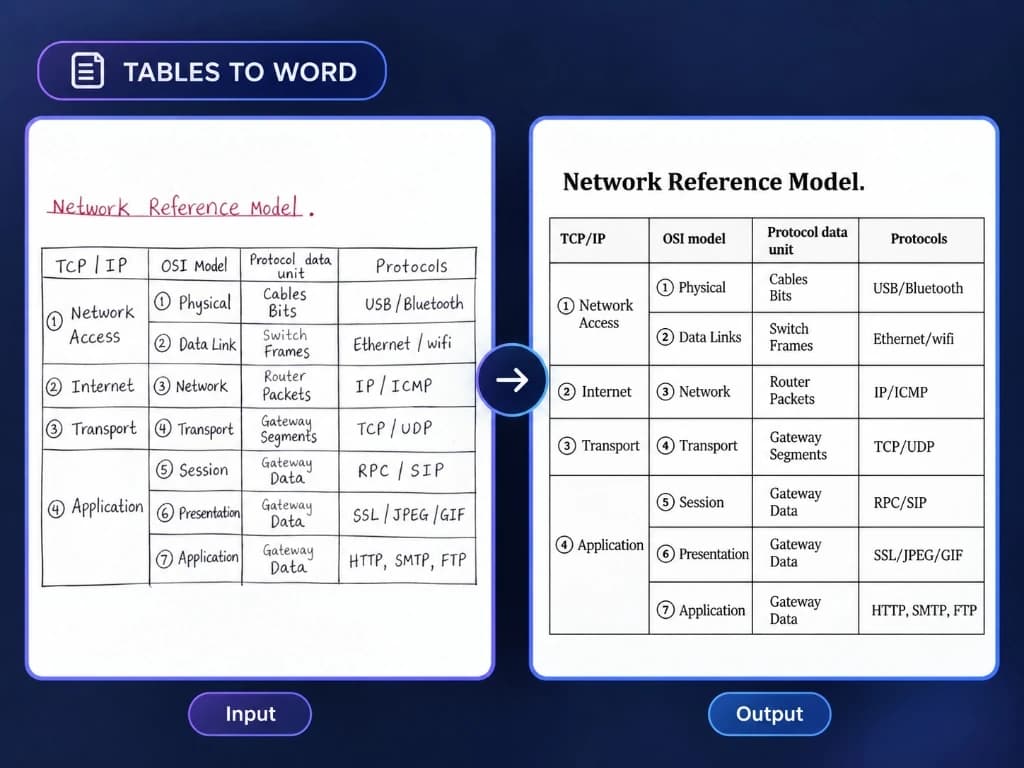
Step-by-step tutorial on converting photographed or scanned tables into true, editable Microsoft Word tables with intact rows, columns, and headers.
Step-by-step tutorials and technical breakdowns for converting scanned PDFs, difficult tables, handwritten notes, math equations, and diagrams into native Microsoft Word formats.
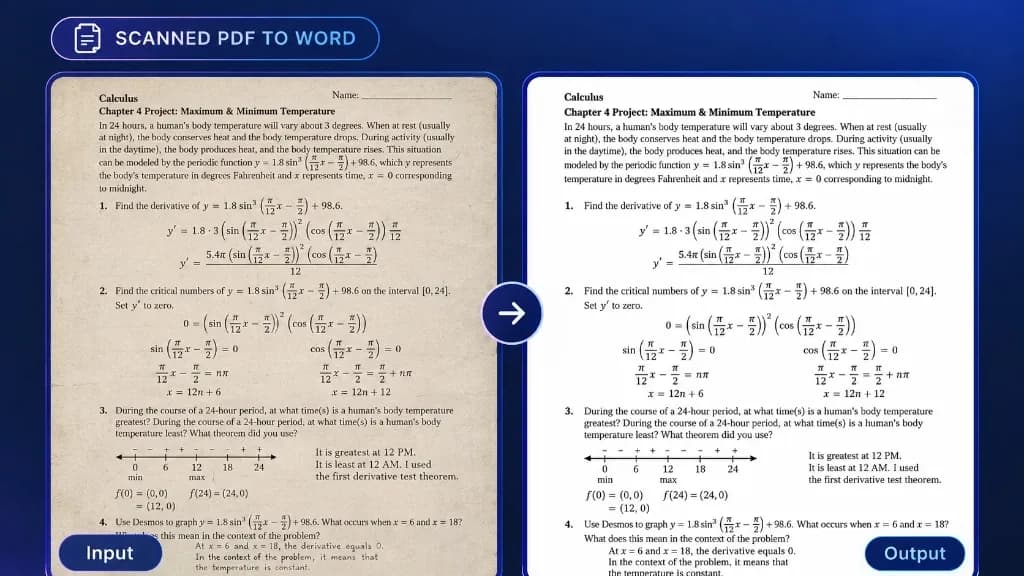
Learn how to convert scanned PDFs into editable Word documents while preserving document structure, tables, equations, and page formatting.
Step-by-step tutorial on converting photographed or scanned tables into true, editable Microsoft Word tables with intact rows, columns, and headers.

Turn smartphone photos and camera snapshots of physical paper documents into formatted, editable Microsoft Word files instead of unsearchable images.
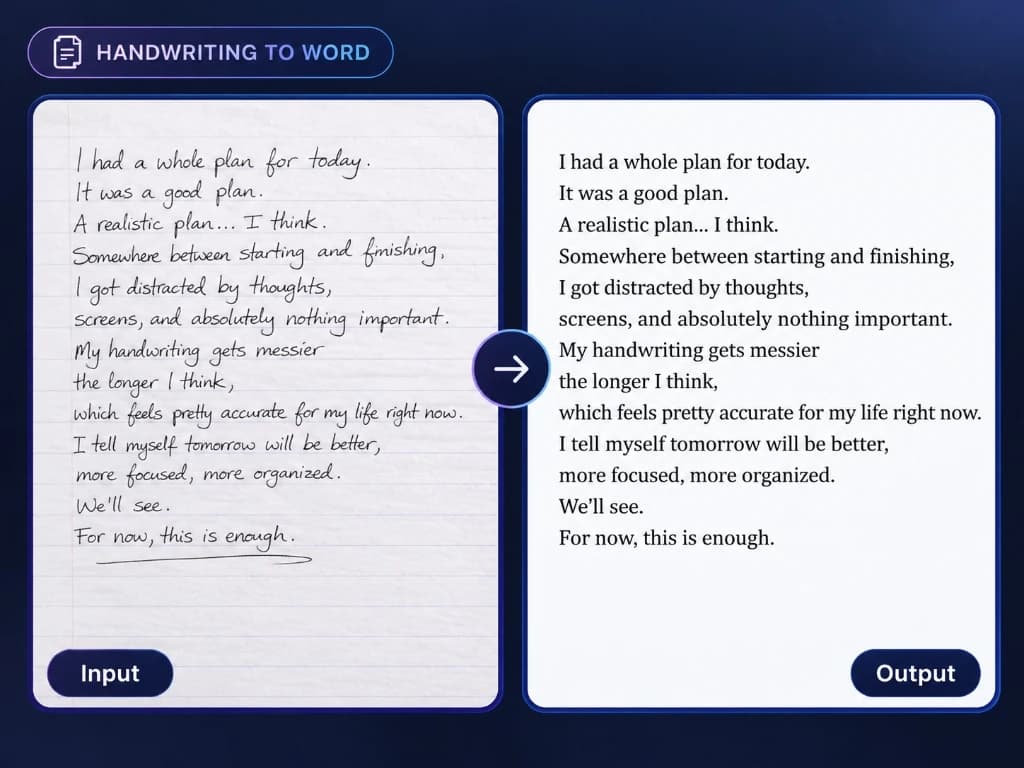
Learn how neural handwriting recognition (HTR) digitizes notebook pages, lecture notes, and letters into typed Word documents without manual retyping.
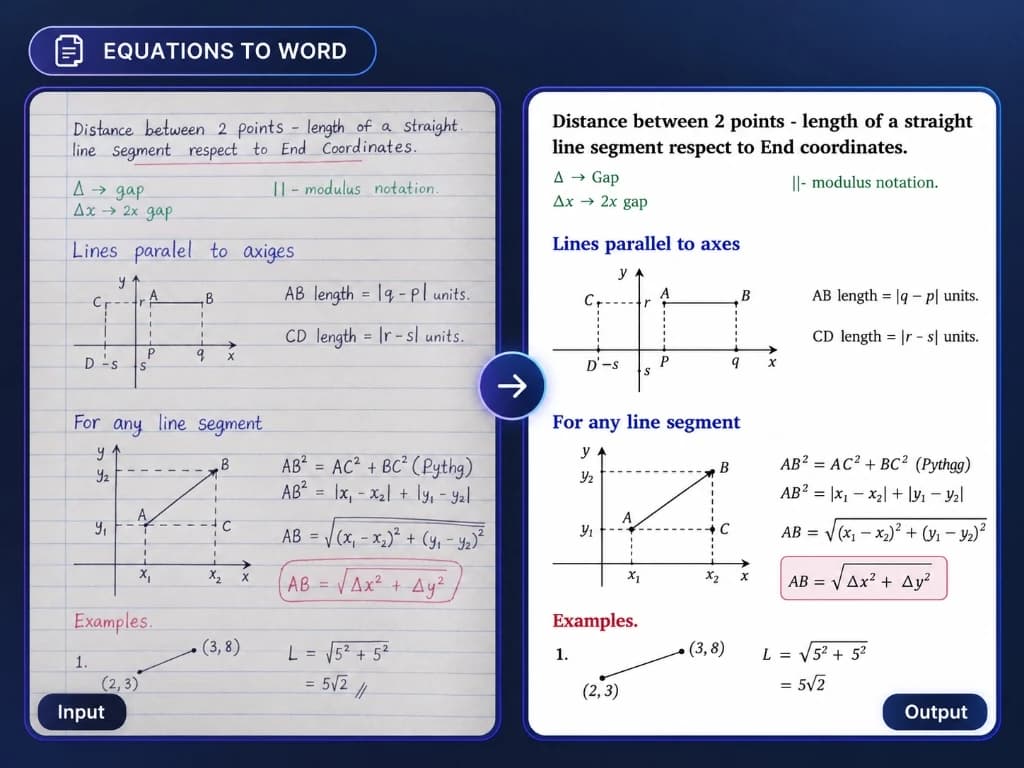
Convert scanned math worksheets, calculus textbooks, and technical formulas into native, editable Microsoft Word equations (OMML) rather than flat screenshots.
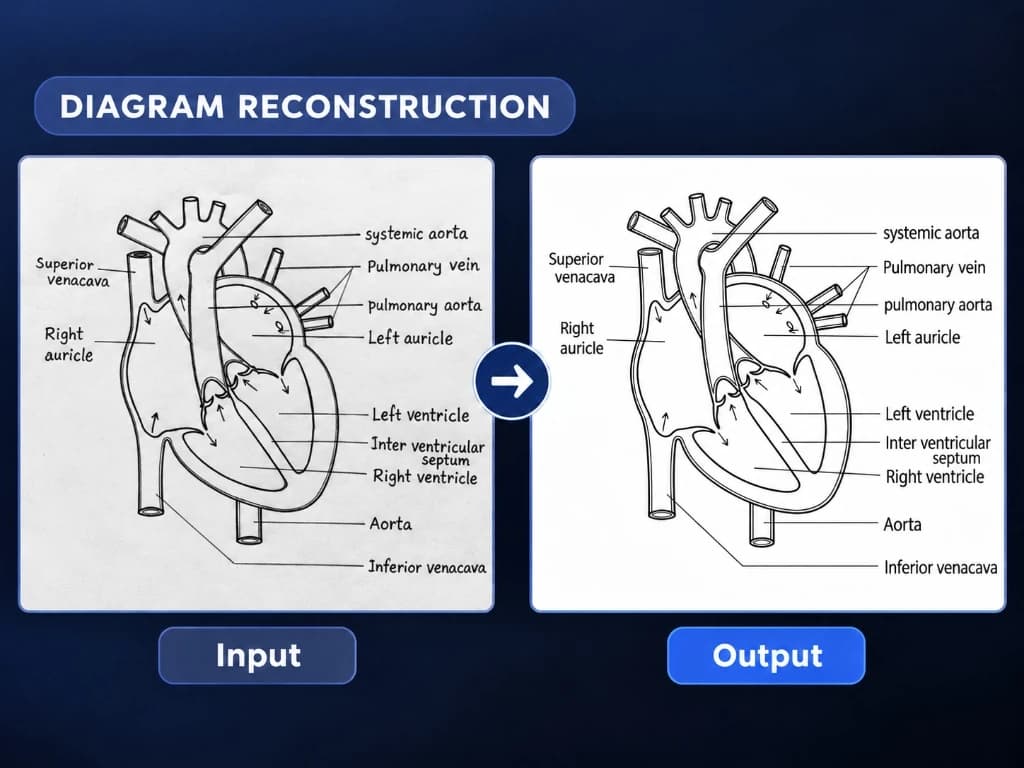
Turn rough hand-drawn sketches, whiteboard flowcharts, and notebook diagrams into crisp, publication-ready illustrations for slide decks and corporate reports.
DocMorphix reconstructs scanned PDFs, multi-column articles, complex tables, equations, and sketches into natively formatted Word files in seconds.