Neural Vision
Cursive & Print Script Recognition
Handles interconnected cursive letters, fast print, mixed scripts, and varied pen strokes across different writing styles.
Turn handwritten notes, letters, forms, and notebook pages into cleanly typed Microsoft Word (.docx) files. DocMorphix recognizes cursive and print handwriting using neural OCR.
Upload scans or photos of handwritten notes (JPG, PNG, PDF, WEBP).
Works with notebook pages, meeting notes, lectures, handwritten forms, legal memos, and research drafts.
Traditional OCR engines are designed for rigid machine-printed typefaces with predictable glyph spacing and uniform baselines. When applied to handwriting, they produce garbled character strings, misinterpret cursive letter connections, and choke on slanted lines or varying ink thickness.
DocMorphix uses advanced neural handwriting recognition models trained on vast variations of script, cursive, and print styles. It identifies contextual word patterns, corrects for slanted paper orientation and ruling lines, and generates a structured, editable Microsoft Word document with cleanly formatted paragraphs.
Learn how handwriting recognition works and what factors affect accuracy in our guide →
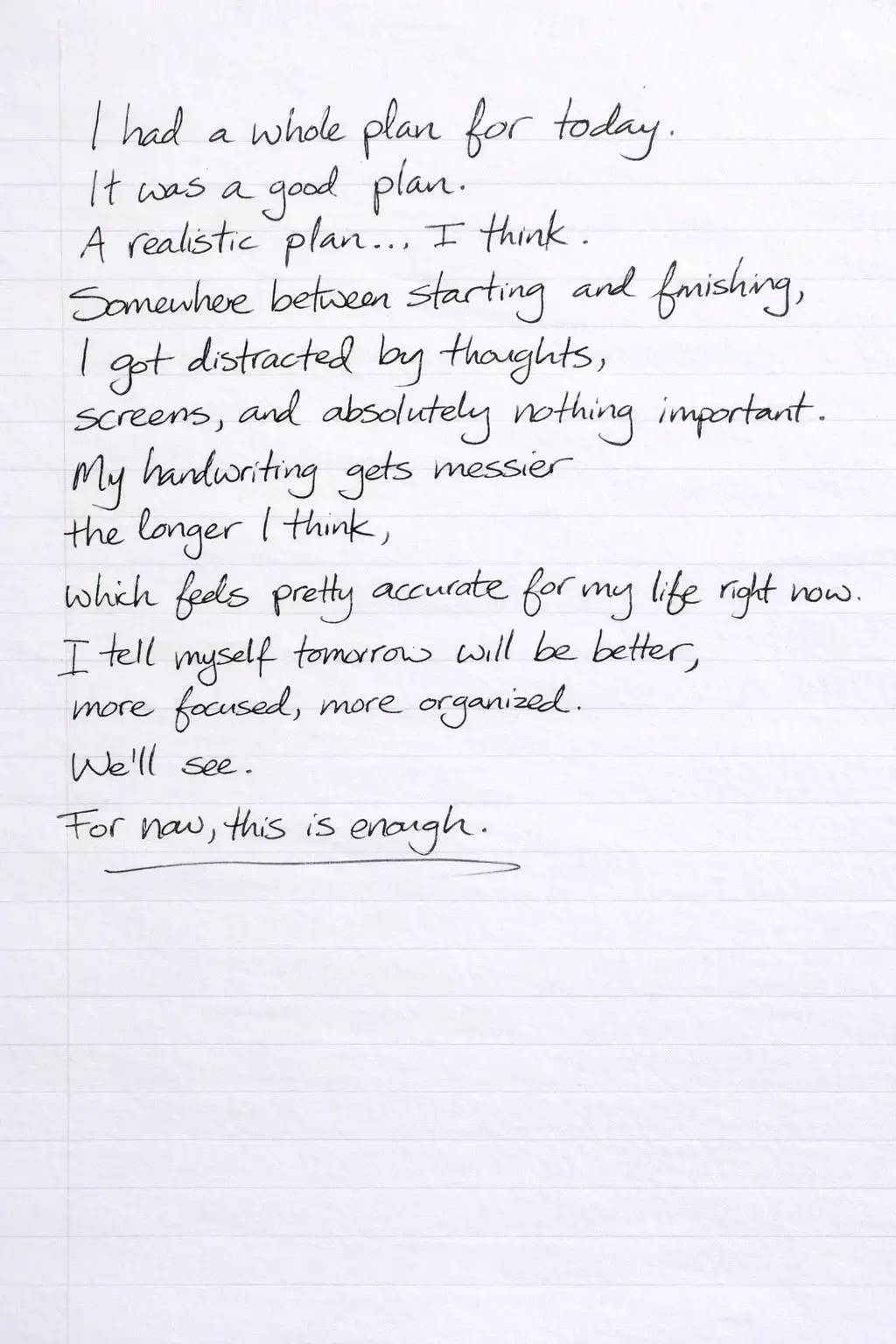
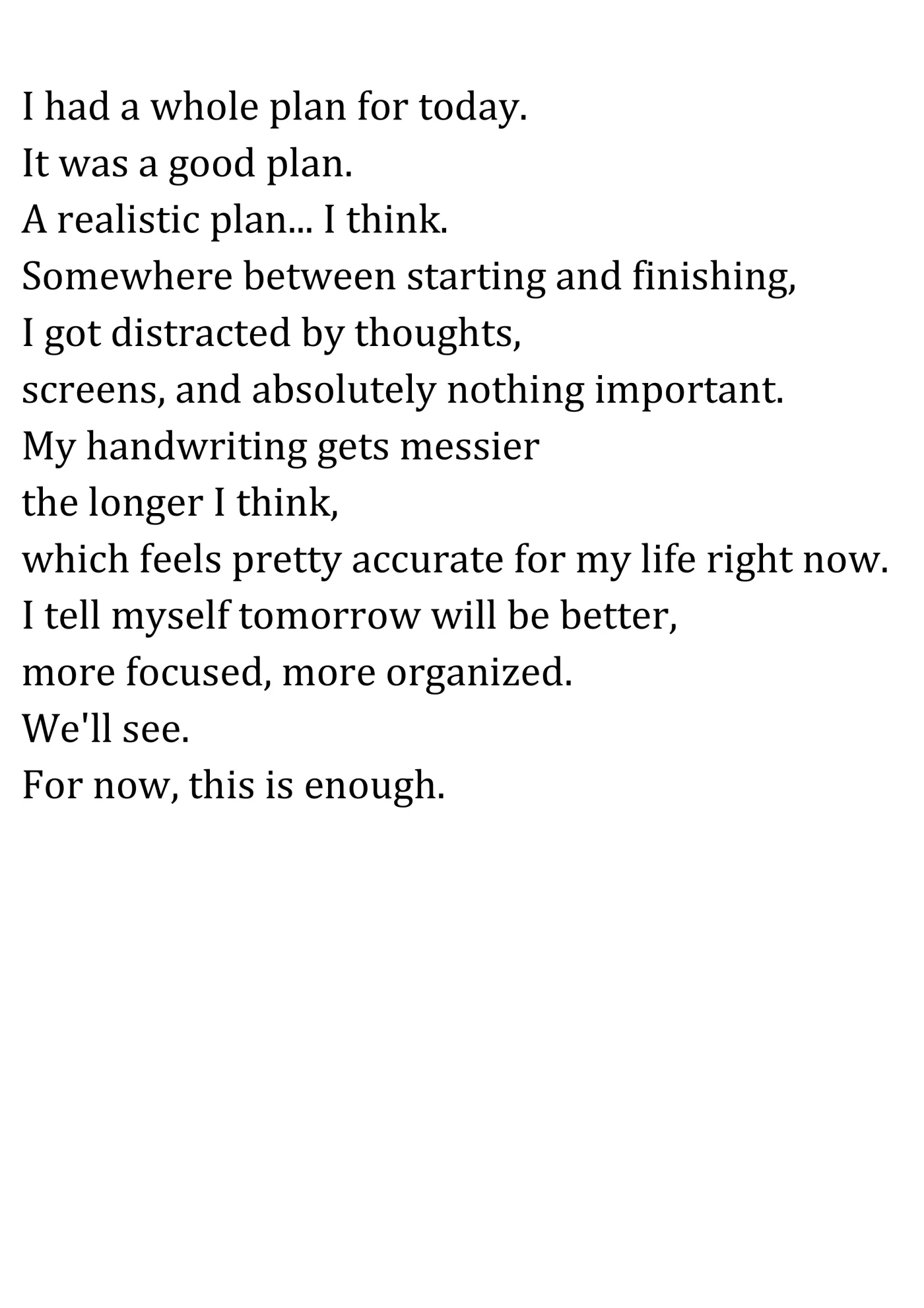
Compare a handwritten document with the reconstructed digital Microsoft Word version produced by DocMorphix.
Handwritten paper notes or journal page
Reconstructed typed and editable Word document
Results can vary
Handwriting recognition accuracy depends heavily on legibility, pen contrast, and lighting. While clear handwriting converts with high accuracy, very messy or degraded cursive may require minor manual review.
Transform paper notebooks and handwritten documents into editable Word text effortlessly.
Upload a clear photo or scan of your handwritten document. Multi-page notebooks and PDF scans are supported.
DocMorphix transcribes handwriting strokes into digital text while detecting paragraphs, bullet points, and margins.
Receive your neatly typed .docx file ready for editing, proofreading, searching, and archiving.
Designed to decode real-world handwriting variations, paper backgrounds, and mixed content.
Handles interconnected cursive letters, fast print, mixed scripts, and varied pen strokes across different writing styles.
Filters out notebook ruling lines, graph grids, and margin borders so they do not interfere with text transcription.
Compensates for drifting margins, curved text lines, and tilted writing to output neat, aligned Word paragraphs.
Accurately distinguishes pre-printed form templates or questionnaires from the handwritten responses filled into them.
Uses language modeling to resolve ambiguous letter shapes based on surrounding grammatical context.
Outputs formatted Word documents with standard fonts, editable headings, bullet lists, and indentations.
Eliminate manual typing for students, researchers, healthcare staff, and professionals.
Convert semesters of handwritten classroom notes into searchable study guides and shareable Word summaries.
Digitize client intake forms, survey responses, and feedback questionnaires directly into editable digital text.
Transcribe handwritten patient observations, clinical notes, and physician records into digital documentation.
Turn quickly jotted board meeting notes and brainstorming lists into polished meeting summaries.
Digitize author drafts, journal entries, poetry, and book outlines written in spiral notebooks.
Transcribe heritage family correspondence, diaries, and historical archival records into digital Word archives.
Answers to common questions about converting handwritten documents into editable Word text with DocMorphix.
Yes. DocMorphix is equipped with neural OCR models capable of recognizing cursive writing, print handwriting, and mixed styles, converting them into typed, editable text.
Discover specialized tools for converting scans, tables, equations, and diagrams.
Convert printed document photos, screenshots, and JPG/PNG files to formatted Word documents.
Process multi-page scanned PDF files into fully editable Word documents with intact layouts.
Transform hand-drawn sketches, flowcharts, and diagrams into clean digital vectors.
Stop typing handwritten notes by hand. Upload your notebook pages, letters, or forms to get an editable Word document.